 Русский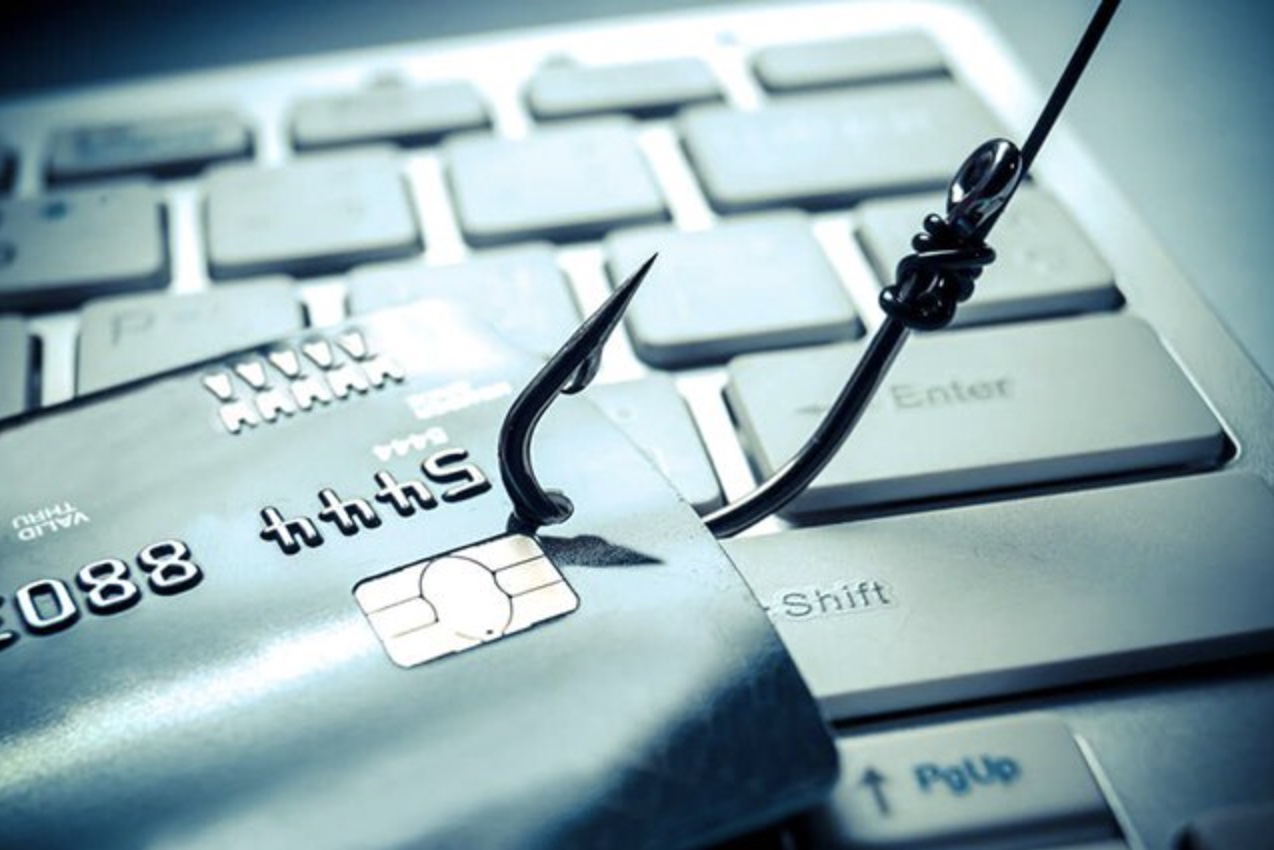
As digital technologies become increasingly integrated into everyday life, cybercriminals continue to develop more sophisticated methods of deception. One of the most common forms of cyber fraud remains phishing — a scam in which attackers impersonate trusted organizations, financial institutions, government agencies, or even colleagues in order to steal sensitive information, passwords, or financial data.
Phishing attacks can reach users through email, messaging applications, SMS, social media platforms, and phone calls. The primary objective is always the same: to pressure the victim into acting quickly without carefully evaluating the situation.
What Is Phishing?
Phishing is a form of social engineering that relies on manipulating human behavior rather than exploiting technical vulnerabilities. Attackers attempt to convince users to:
- click malicious links;
- download infected attachments;
- share passwords or verification codes;
- transfer money or disclose confidential information.
Modern phishing messages are becoming increasingly convincing due to the use of artificial intelligence and automation tools. However, several warning signs remain consistent.
Common Signs of a Phishing Attempt
1. Urgent or Threatening Language
Phishing messages often try to create panic or urgency:
- “Your account will be suspended”
- “Immediate verification required”
- “You are under investigation”
- “Respond now to avoid penalties”
Legitimate banks, companies, and government institutions rarely request urgent action through unsolicited messages.
2. Offers That Seem Too Good to Be True
Scammers frequently use attractive offers such as:
- “You won a prize”
- “Claim your free reward”
- “Exclusive limited-time offer”
These messages are designed to encourage users to click malicious links or provide personal information.
If something appears unusually generous or unrealistic, it should be treated with caution.
3. Suspicious Sender Addresses
Carefully inspect the sender’s email address or account name:
- paypaI.com instead of paypal.com
- support-secure-bank.net
- addresses containing random numbers or unusual characters
Even small spelling differences may indicate fraud.
4. Unexpected Attachments or Links
Do not open files or click links if:
- you were not expecting the message;
- the sender seems suspicious;
- the file type looks unusual;
- the link redirects to an unfamiliar website.
On desktop devices, hovering over a link can often reveal its true destination before clicking.
5. Requests for Sensitive Information
Legitimate organizations do not request the following via email or text message:
- passwords;
- PIN codes;
- banking card security codes;
- MFA verification codes;
- passport or identification details.
If uncertain, contact the organization directly through its official website or customer support channels.
Why Does Phishing Work?
Phishing attacks are designed to exploit emotions such as:
- fear;
- curiosity;
- excitement;
- urgency.
When users react emotionally and quickly, they are more likely to make mistakes.
Taking even a few seconds to pause and ask simple questions can significantly reduce risk:
- Was I expecting this message?
- Does the sender look legitimate?
- Why am I being pressured to act immediately?
- Does anything feel unusual?
A brief pause is often enough to avoid a phishing attack.
What Is Spear Phishing?
Spear phishing refers to highly targeted phishing attacks in which cybercriminals gather personal or professional information about the victim beforehand, including:
- name;
- employer;
- job title;
- colleague information;
- publicly available social media data.
These attacks appear more convincing because they are personalized.
For example, attackers may impersonate a company executive and request urgent financial transfers or gift card purchases.
What Should You Do If You Receive a Phishing Message?
Do Not Click or Respond
Avoid opening links, attachments, or replying to suspicious messages.
Report the Incident
If the message was received at work, notify your IT or cybersecurity team immediately.
Block the Sender
Blocking the sender can help prevent future phishing attempts.
Delete the Message
After reporting it, remove the message from your inbox to avoid accidental interaction later.
What If You Already Clicked a Phishing Link?
If you accidentally interacted with a phishing message:
- Disconnect your device from the internet;
- Run a security or antivirus scan;
- Change potentially compromised passwords;
- Enable multifactor authentication (MFA);
- Inform your IT department, email provider, or financial institution.
How to Protect Yourself from Phishing
Enable Multifactor Authentication (MFA)
MFA adds an additional layer of protection even if a password is compromised.
Use Strong and Unique Passwords
Avoid reusing passwords across multiple services.
Keep Devices and Software Updated
Security updates patch vulnerabilities commonly exploited by attackers.
Improve Digital Literacy
Cybersecurity awareness remains one of the strongest defenses against phishing.
Why Reporting Phishing Matters
Reporting phishing attempts helps:
- block malicious campaigns;
- improve detection systems;
- protect other users from similar attacks.
Cybersecurity is a shared responsibility, and reporting incidents strengthens the resilience of the broader digital ecosystem.
Phishing in Central Asia: Regional Challenges and Trends
For countries across Central Asia — including Kyrgyzstan, Kazakhstan, Uzbekistan, Tajikistan, and Turkmenistan — phishing has become an increasingly significant cybersecurity challenge amid rapid digital transformation and growing adoption of online banking, e-government platforms, and mobile services.
Common phishing schemes observed in the region include:
- fake banking notifications;
- fraudulent payment service websites;
- scams through Telegram and WhatsApp;
- fake government assistance messages;
- fraudulent marketplace and delivery service communications;
- scam calls impersonating law enforcement agencies or telecom providers.
Additional risks include limited cybersecurity awareness among parts of the population, weak password practices, and low adoption of multifactor authentication.
Attackers are also increasingly leveraging:
- artificial intelligence tools;
- voice impersonation technologies;
- deepfake videos;
- localized phishing campaigns in Russian and national languages.
Strengthening cyber resilience in Central Asia requires:
- expanding digital literacy initiatives;
- improving cybersecurity awareness;
- strengthening regional cooperation;
- enhancing the protection of public and private digital infrastructure.
Building a culture of cybersecurity awareness remains one of the most effective long-term defenses against phishing and online fraud.
Source
The article was prepared based on materials and recommendations from National Cybersecurity Alliance (StaySafeOnline).